- October 29, 2026
- 4 min read
More Throughput, Faster Generation: Friendli Inference vs. vLLM
- 2.1× more throughput than vLLM on the same 4× B200 GPUs, for about 53% lower cost per token.
- 3.1× faster generation at vLLM’s peak throughput: a 500-token response takes 2.0s instead of 6.2s.
- Throughput alone can mislead. Plotting speed against throughput shows the real tradeoff.
- Same GPUs, your choice: more capacity or faster responses, depending on your workload.
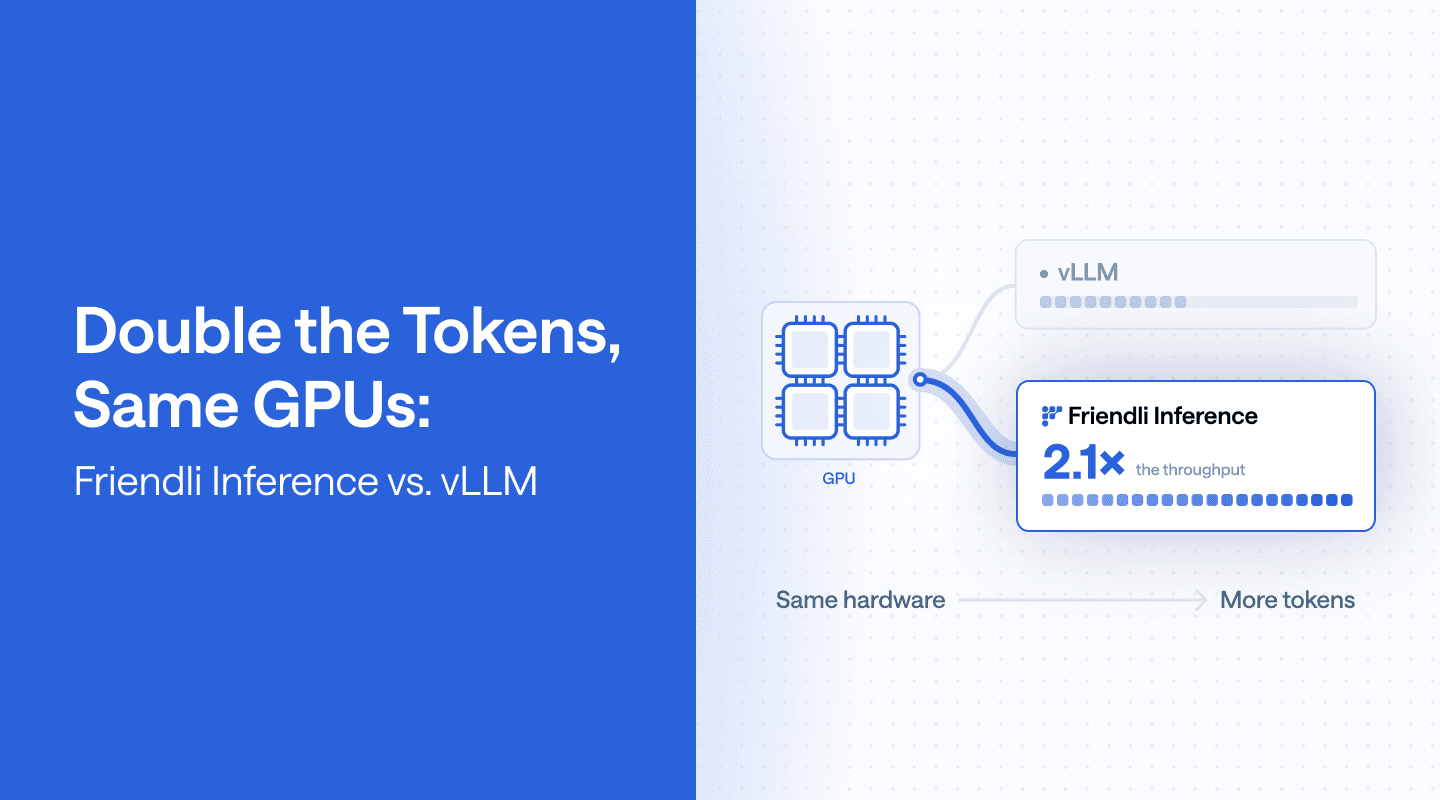
On the same GPUs, Friendli Inference can generate approximately 2.1 times as many tokens per second as vLLM, implying 53% lower GPU cost per token. In a separate comparison, Friendli Inference delivers tokens to each user about 3.1 times as fast while matching vLLM’s total throughput. Both comparisons are based on an agentic GLM-5.3-Flash workload on four NVIDIA B200 GPUs per engine.
Understanding these results requires looking at per-request generation speed and total token throughput together. We show that plotting these two measures produces a performance curve that reveals the speed and capacity combinations each engine can deliver.
Understanding Generation Speed and Throughput
An inference system schedules incoming requests and runs the model to generate responses. As Figure 1 illustrates, we can measure its output in two ways: per-request generation speed measures how quickly an inference request produces output tokens, while aggregate throughput measures total output per second across all responses. The first affects how quickly a user receives an answer or an agent finishes generating a tool call; the second indicates how much token demand the deployment can serve. Both use tokens per second, but understanding performance depends on how we count.
Figure 1. Two measures of inference performance. Per-request generation speed measures the output token rate for a single response. Throughput measures the combined output token rate across all responses.
These measures can move in different directions as more requests share the GPUs. Processing requests together can improve overall efficiency while slowing generation for each request. For example, ten responses generating at 100 tokens per second each produce 1,000 tokens per second in total. Twenty responses generating at 75 tokens per second each produce 1,500 tokens per second. Total throughput increases by 50%, even though each response generates 25% more slowly. A higher throughput number therefore does not, by itself, tell us whether an engine delivers better performance for an application.
To make this relationship visible, we plot generation speed and throughput together. Each benchmark point records both measurements under a particular operating condition. Collecting points across different conditions produces a performance curve showing the combinations of speed and capacity an engine can deliver. This curve supports two practical comparisons: at a required generation speed, which engine produces more total output, and at a required total throughput, which engine generates individual responses faster? We use both comparisons to evaluate Friendli Inference and vLLM on the same GPU hardware.
More Throughput at the Same Generation Speed
In our agentic GLM-5.3-Flash benchmark, Friendli Inference delivers approximately 2.1 times vLLM’s aggregate throughput at 100 output tokens per second per request, with both engines running on four NVIDIA B200 GPUs. Holding generation speed constant shows how much total output each engine can produce while meeting the same speed requirement. To read this comparison in Figure 2, locate 100 tokens per second on the x-axis and trace a vertical line to each curve. The y-axis values at the two intersections give the aggregate throughputs being compared. Their ratio, interpolated from the curves, shows the additional serving capacity Friendli Inference provides on the same hardware.
Figure 2. More throughput at the same generation speed. At 100 output tokens/s per request, Friendli Inference delivers approximately 2.1× vLLM’s throughput. The throughput is normalized to vLLM’s peak (1.0).
Higher throughput also lowers GPU cost per output token when the deployment sustains these rates. At equal GPU-hour prices, the unrounded throughput ratio implies approximately 53% lower GPU cost per output token. The reduction comes from completing the same output volume in less time. For a continuously running deployment, the same efficiency gain lets you serve more demand within the existing GPU allocation.
Faster Generation at the Same Throughput
At an aggregate throughput equal to vLLM’s measured peak, Friendli Inference delivers approximately 3.1 times the per-request generation speed on the same hardware. Holding throughput constant shows how quickly each engine can generate individual responses while sustaining the same total output rate. Figure 3 marks this throughput as a normalized value of 1.0. Follow the horizontal dashed line to each engine’s curve, then read the corresponding generation speeds from the x-axis: approximately 81 output tokens per second per request for vLLM and 249 for Friendli Inference.
Figure 3. Faster generation at the same throughput. At vLLM’s peak throughput, Friendli Inference generates output tokens approximately 3.1× faster per request on the same four B200 GPUs. The 500-token example takes about 2.0 seconds with Friendli Inference versus 6.2 seconds with vLLM.
At these rates, producing 500 output tokens takes approximately 6.2 seconds with vLLM versus 2.0 seconds with Friendli Inference. For an agent that must finish generating a tool call before executing it, shorter generation time lets the next step start sooner. Across sequential model calls, those time savings can accumulate, with the overall benefit depending on output lengths and the proportion of task time spent generating tokens.
Choose the Performance Your Application Needs
The Friendli Inference–vLLM benchmark demonstrates two ways to get more from the same GPU hardware: additional serving capacity at a required generation speed, or faster generation at a required throughput. A performance curve helps you evaluate both options against your application’s needs. Start by setting the requirement you must meet, then compare what each engine delivers at that requirement. For your own deployment, use your model, representative input and output lengths, and expected traffic conditions to identify the operating point that fits your workload.
Talk to a Friendli Inference engineer to benchmark your workload and measure how much additional capacity or faster generation your existing GPUs can deliver.
Written by
FriendliAI Tech & Research
Share
General FAQ
Still have questions?
If you want a customized solution for that key issue that is slowing your growth, support@friendli.ai or click Talk to an engineer — our engineers (not a bot) will reply within one business day.