- September 1, 2026
- 5 min read
One Model, Many Providers: How to Get Provider Routing Right
- One model, many providers — and they differ in capabilities, speed, caching, and price.
- Filter by workload requirements, rank by TTFT/throughput/cost, then put validated providers first with fallbacks on.
- FriendliAI offers a 1M-token context window and top P50 throughput for GLM-5.3 — worth validating for long-context and coding-agent workloads.
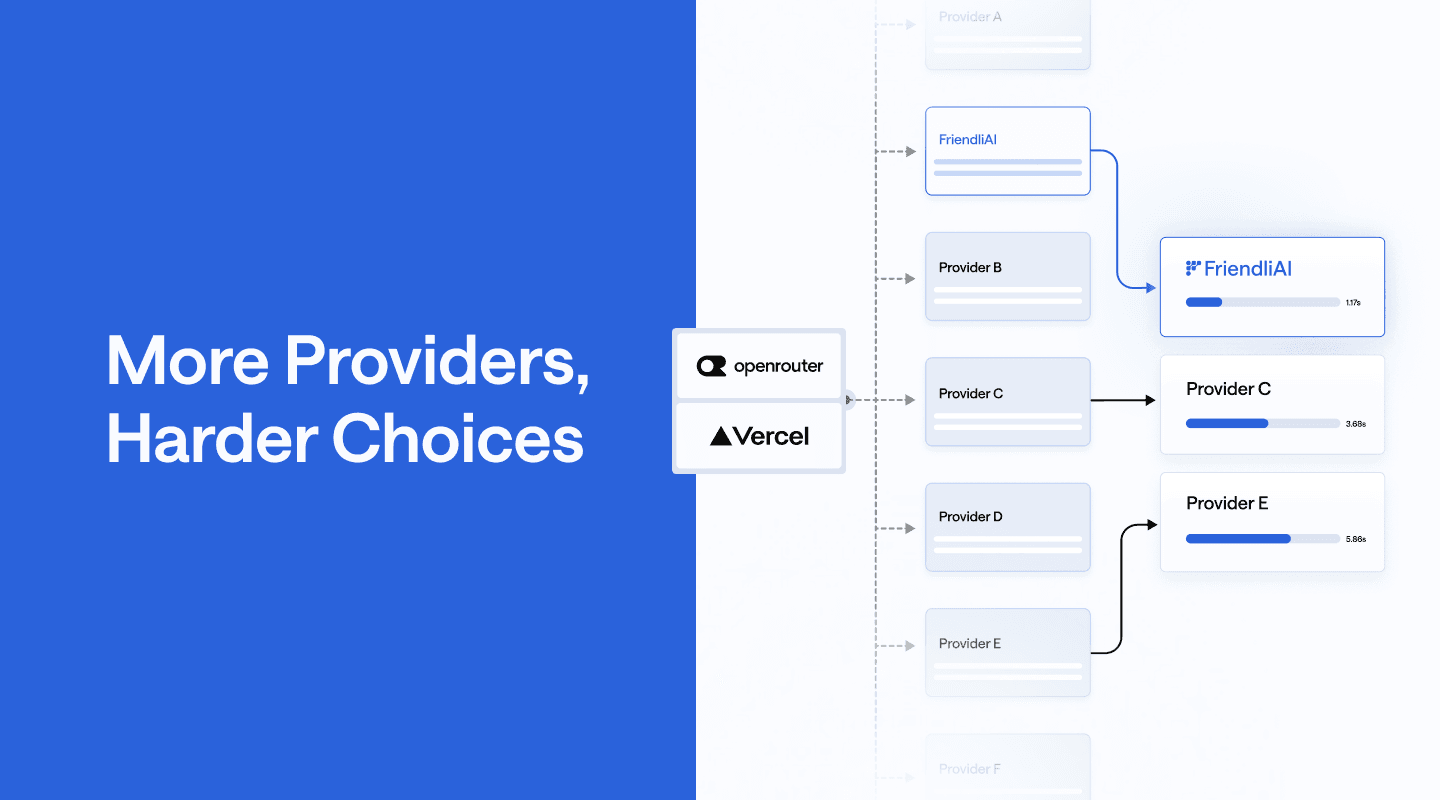
AI Gateways like OpenRouter and Vercel AI Gateway expose many providers behind the same model, but more choice does not always mean better routing. Providers differ in capabilities, context limits, performance, caching, and price. Therefore, production workloads need explicit control over provider selection.
In this article, we walk through three practical ways to take control of provider routing: filtering providers by workload requirements, ranking eligible providers by the metrics that matter, and prioritizing validated providers while keeping fallbacks available. We also show how this framework helps identify providers worth validating and why FriendliAI is a strong fit for long-context and coding-agent workloads.
More Providers, Harder Choices
An AI Gateway sits between the application and inference providers, providing the application with a single API to access the same model across them. When a request specifies a model, the gateway identifies the provider endpoints that can serve that model, ranks them according to its routing policy, and sends the request to one of them. If the selected provider cannot serve the request, the gateway can fall back to another eligible provider. This reduces provider-specific integration work while enabling automatic routing and failover.
Multiple provider routes can improve availability and give applications fallback options, but they are not equally suitable for every workload. A provider may lack a capability required by the workload, have a smaller usable context window, generate tokens at a lower rate, or charge a different price for the same model. Production routing therefore needs to control both which providers are eligible and which eligible provider should be tried first. In this article, we explain three practical patterns for doing this with OpenRouter and Vercel AI Gateway.
Filter Providers by Workload Requirements
The first step in provider routing is to exclude providers that cannot meet the workload requirements. A coding agent, for example, may require tool calling, structured outputs, prompt caching, and a large context window.
OpenRouter and Vercel AI Gateway expose different controls for narrowing the provider pool. OpenRouter’s require_parameters removes providers that do not support the parameters included in the request. Vercel AI Gateway can select providers with required model capabilities, such as implicit-caching.
The example below applies a hard requirement before provider selection. OpenRouter excludes providers that do not support the requested structured output parameter. The Vercel AI Gateway example restricts providers to those that support implicit caching.
curl -X POST "https://openrouter.ai/api/v1/chat/completions" \
  -H "Authorization: Bearer $OPENROUTER_API_KEY" \
  -H "Content-Type: application/json" \
  -d '{
    "model": "z-ai/glm-5.3",
    "messages": [
      {
        "role": "user",
        "content": "Review this change."
      }
    ],
    "response_format": {
      "type": "json_object"
    },
    "provider": {
      "require_parameters": true
    }
  }'
Rank Providers by Workload Priority
Once providers meet the workload requirements, the next step is to decide which to try first. The right ranking depends on the workload. Interactive applications may prioritize time to first token, long-generation workloads may prioritize output throughput, and high-volume, latency-insensitive workloads may prioritize inference cost. Table 1 shows the corresponding sorting metrics in OpenRouter and Vercel AI Gateway.
| Metric | What it measures | OpenRouter | Vercel AI Gateway |
|---|---|---|---|
| Time to first token | How quickly the provider starts returning output | latency | ttft |
| Output throughput | How quickly the provider generates output tokens | throughput | tps |
| Inference cost | The price of serving the request | price | cost |
Table 1. Provider sorting metrics in OpenRouter and Vercel AI Gateway.
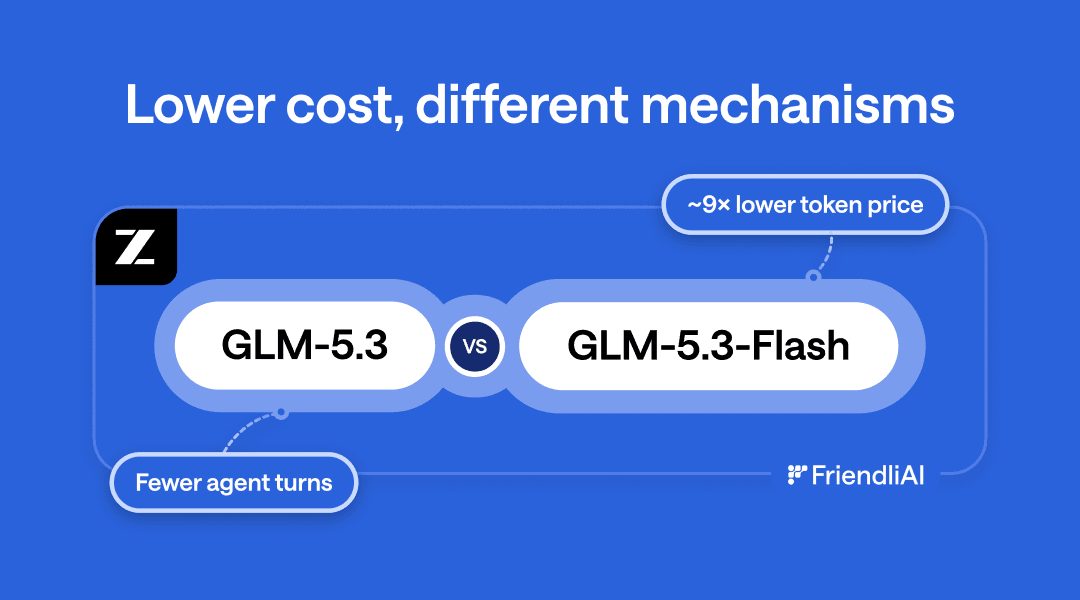
Sorting by price finds the cheapest provider for a given model, but the model itself sets the cost baseline. See how GLM-5.3 and GLM-5.3-Flash compare on cost per task.
The table shows different metric options and the corresponding sort values for each gateway service.
TTFT measures the time from when a provider receives a request until it begins returning output, while TPS measures the rate at which it generates output tokens. These metrics are calculated from recent traffic observed by each gateway. Vercel’s live provider metrics use traffic from the previous hour, while OpenRouter’s percentile-based performance routing uses a rolling five-minute window. Because each gateway calculates its metrics independently, values should be compared within the same gateway rather than across gateways.
Metric-based sorting is most useful when it is applied to a controlled provider pool. First, restrict the candidates to providers you are willing to use; then sort within that set by the metric that matters for the workload. This prevents a provider from being selected solely because it currently leads on a single metric, while still allowing the gateway to choose the best-performing option among known candidates.
The examples below apply this pattern to GLM-5.3: they restrict routing to a known set of providers and then sort those providers by response-start latency for an interactive code-review workload.
curl -X POST "https://openrouter.ai/api/v1/chat/completions" \
  -H "Authorization: Bearer $OPENROUTER_API_KEY" \
  -H "Content-Type: application/json" \
  -d '{
    "model": "z-ai/glm-5.3",
    "messages": [
      {
        "role": "user",
        "content": "Review this code change."
      }
    ],
    "provider": {
      "only": ["friendli", "z-ai"],
      "sort": "latency"
    }
  }'
Prioritize Validated Providers with Fallbacks
Metric-based ranking works when provider priority can be determined by latency, throughput, or cost. But some workloads depend on runtime behavior that is better validated with real traffic. A coding agent, for example, may depend on consistent tool calling, prompt caching, or output behavior that is not captured by a single routing metric. In these cases, providers that have performed reliably with the workload can be tried first.
Even when a provider has been validated for the workload, routing all traffic to it creates a single point of failure: an outage or rate limit can interrupt the workflow. A better approach is to prioritize validated providers first, while keeping other eligible providers available as fallbacks.
The routing policy can therefore define a priority sequence rather than a single destination. The gateway first tries the validated providers in order. If none of them can serve the request, it continues through the remaining eligible providers instead of failing immediately. This keeps normal traffic on known-good providers while preserving the broader provider pool for recovery.
Provider priority also reduces inference costs by improving cache reuse. Under default automatic or metric-based routing, related requests may be sent to different providers. Because each provider maintains its own prompt cache, switching providers reduces cache-hit rates. Placing a workload-tested provider first in the routing order makes it more likely that subsequent requests return to the provider where the shared prompt prefix is already cached, while preserving fallbacks when needed.
The examples below prioritize FriendliAI first and Z.AI second for a validated GLM-5.3 coding-agent workload. If neither preferred provider can fulfill the request, the gateway can route it to other eligible providers.
curl -X POST "https://openrouter.ai/api/v1/chat/completions" \
  -H "Authorization: Bearer $OPENROUTER_API_KEY" \
  -H "Content-Type: application/json" \
  -d '{
    "model": "z-ai/glm-5.3",
    "messages": [
      {
        "role": "user",
        "content": "Plan a refactor."
      }
    ],
    "provider": {
      "order": ["friendli", "z-ai"],
      "allow_fallbacks": true
    }
  }'
Find Providers That Fit Your Workload
Provider routing should start from the workload. First, filter out providers that cannot meet your requirements. Then rank the remaining providers by the metric that matters most, and prioritize providers that have been validated with real traffic while keeping fallbacks available.
With this routing framework in place, the next step is to identify providers worth validating for the workload. Figure 4 provides a point-in-time snapshot of GLM-5.3 provider capabilities on Vercel AI Gateway and performance on OpenRouter. FriendliAI combines a 1M-token context window and a 1M-token maximum output with competitive latency and throughput. It also recorded the highest P50 output throughput among the OpenRouter providers shown. Together, these capabilities make FriendliAI a strong candidate for long-context coding-agent workloads.
For long-context and coding-agent workloads, these characteristics make FriendliAI a strong candidate to validate with real traffic. Run your workload on FriendliAI and evaluate whether it meets your capacity and performance requirements. If it does, place FriendliAI first in the provider order on OpenRouter or Vercel AI Gateway while keeping other eligible providers available as fallbacks. This gives the workload a preferred, validated provider without giving up the resilience of multi-provider routing.
👉 Run your workload on Friendli Suite
Written by
FriendliAI Tech & Research
Share
General FAQ
Still have questions?
If you want a customized solution for that key issue that is slowing your growth, support@friendli.ai or click Talk to an engineer — our engineers (not a bot) will reply within one business day.