

Documentation Index
Fetch the complete documentation index at: https://friendli.ai/docs/llms.txt
Use this file to discover all available pages before exploring further.
Credit types
Promotional credits
- Source: Signing up, redeeming a promo code, etc.
- Usage scope: May be restricted to a specific product, model, or GPU.
- Expiration: Usually comes with an expiration date
Prepaid credits
- Source: One-time purchase ($10 minimum) or auto recharge
- Usage scope: No restrictions
- Expiration: None
Bulk Discounts: contact sales for volume pricing
Order of consumption
Promotional credits are always consumed before prepaid credits. Among promotional credits, those with a limited usage scope and earlier expiration dates are consumed first.- Promotional credits with an expiration date and limited usage scope (if usage is applicable)
- Promotional credits with an expiration date and unlimited usage scope
- Promotional credits without an expiration date and limited usage scope (if usage is applicable)
- Promotional credits without an expiration date and unlimited usage scope
- Prepaid credits
What happens after I have fully used the promotional credit provided at signup?
Purchase $10 in credits to continue using the platform. Once you make your first purchase, you unlock additional features, including pay-as-you-go billing and higher rate limits for the Serverless Endpoints.Even if pay-as-you-go is not yet unlocked, an unpaid balance may still occur due to the asynchronous nature of billing. This amount will be included in your next invoice and charged accordingly.
Redeeming promo codes
To redeem a promo code:- Go to Friendli Suite > Team Settings > Billing.
- Click the Redeem Promo Code button in the top-right corner.
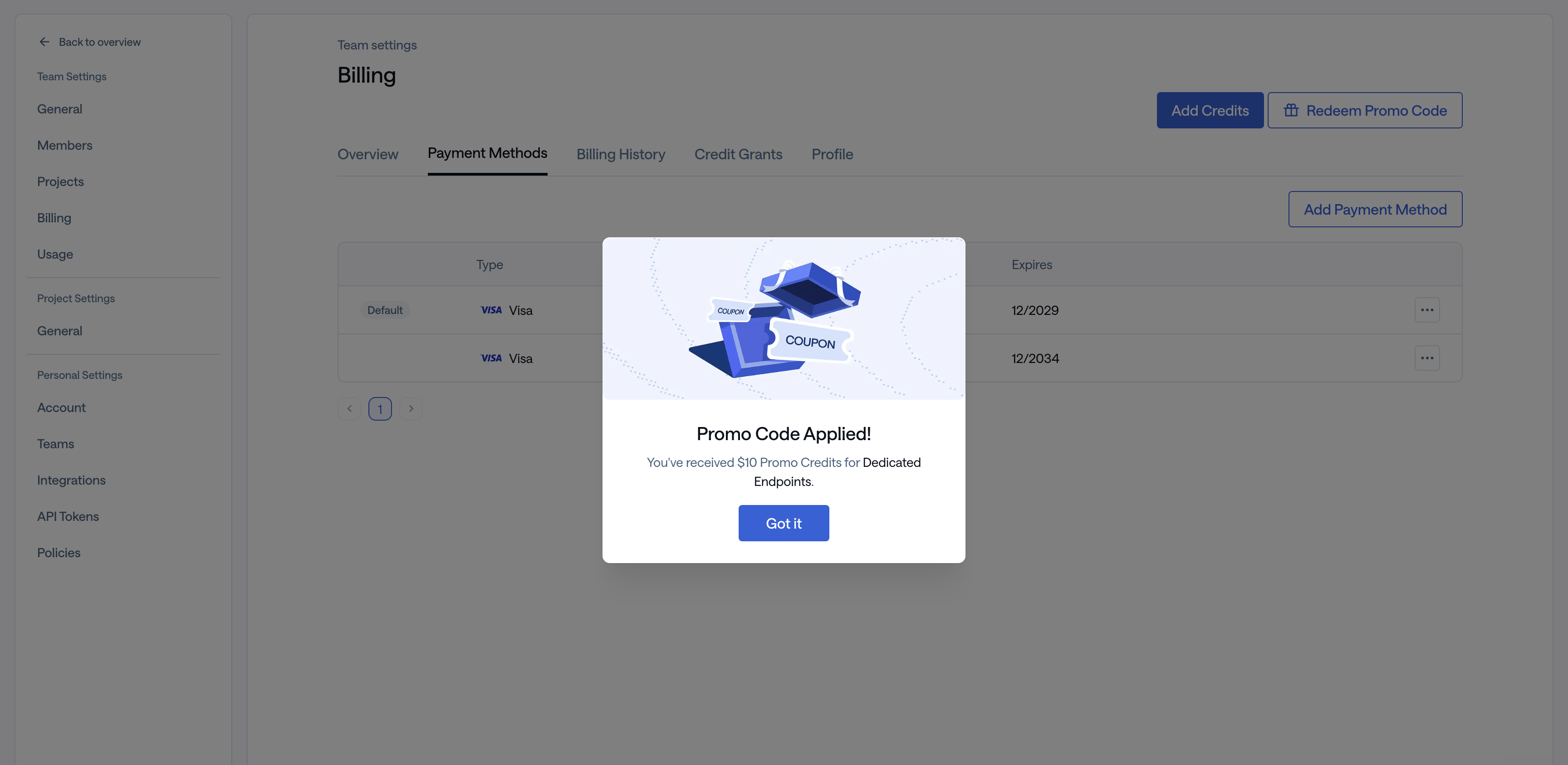
Only team admins can access the Billing page.
- Expired code: The promo code may have passed its expiration date.
- Already redeemed: A team member may have already used this code.
- Invalid code: Verify the code is entered correctly.
- Limit reached: All available uses for this code may have been claimed.